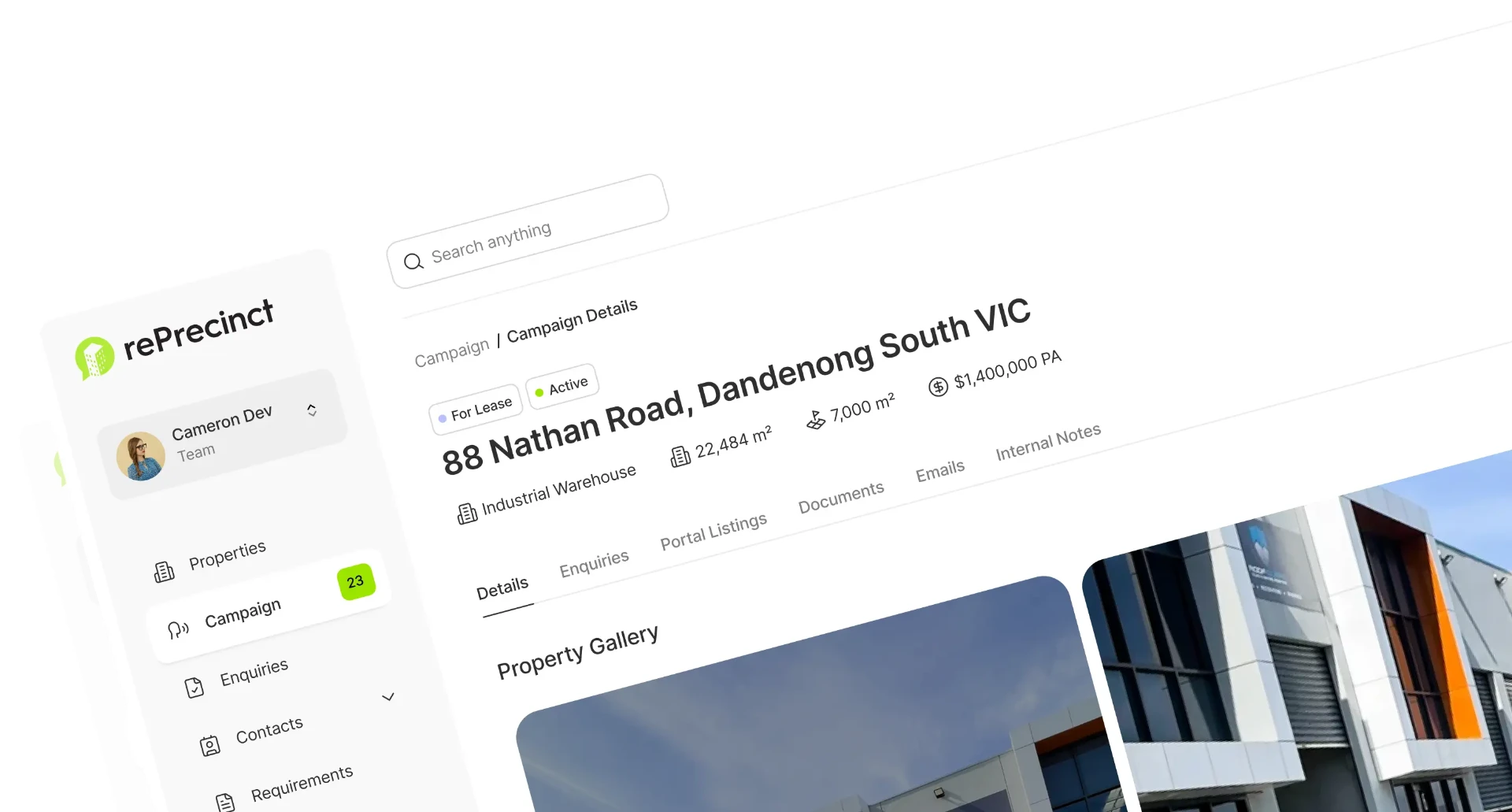
rePrecinct vs ClientLook
ClientLook serves United States brokerages. rePrecinct serves Australian agencies, with local portal feeds, local data and support in your timezone.

Which CRM is the better fit?
Both platforms provide software for real estate teams, but they approach the commercial workflow differently. Use this guide to help you decide.
rePrecinct may suit you if...
- You work in the Australian commercial market.
- Requirement matching and campaign reporting are central.
- You want local portal and property management integrations.
- AI across your CRM data is part of the plan.
ClientLook may suit you if...
- You operate in the United States brokerage market.
- You value an assistant service handling data entry.
- A simple contact and deal tracker covers your needs.
- Client collaboration portals are a priority.
The biggest difference between rePrecinct and ClientLook.
ClientLook pairs a straightforward CRE CRM with a back office assistant service for data entry. rePrecinct focuses on connected commercial records, requirement matching and MarketIQ reporting for Australian agencies.
Where ClientLook is strong
- Purpose-built commercial real estate CRM with property records.
- Back office assistant service supporting data entry.
- Client collaboration and shared updates.
- Established in the United States brokerage market.
Where rePrecinct takes a different approach
- Commercial property entities arrive connected, so contacts, companies, properties, listings, and requirements relate on day one.
- Buyer and tenant requirements drive matching, so your team sees the right stock against the right brief.
- MarketIQ reporting turns campaign, enquiry, and deal data into vendor-ready insight.
- Australian commercial agency workflow, local portals, and local onboarding support.
Compare the workflows that matter.
Detailed capability comparison based on publicly documented features and verified commercial agency workflows.
| Capability | rePrecinct | ClientLook |
|---|---|---|
Commercial CRM focus | Dedicated | Dedicated |
Primary market | Australia | United States |
Property records | Native | Native |
Buyer and tenant requirements | Native | Available |
Requirement matching | Native workflow | Available |
Market intelligence | MarketIQ | Not documented |
Client collaboration | Reporting and updates | Client portal |
Data entry support | Onboarding and migration | Virtual assistant service |
Australian portals | Supported integrations | Not documented |
How the commercial deal workflow compares.
A visual breakdown of data relationships and process flow within each platform.
rePrecinct
Purpose-built commercial relationships
ClientLook
Based on publicly documented workflows
Thinking about switching from ClientLook?
Changing CRM does not mean your agents should rebuild years of commercial property relationships manually. Our team has helped dozens of Australian agencies migrate from ClientLook.
Talk to Us About SwitchingReview
Existing contacts, properties, listings and activity history.
Map
Translate your current data into the rePrecinct commercial structure.
Migrate
Securely move agreed records with our data specialist team.
Connect
Configure portal feeds and supported commercial integrations.
Onboard
Prepare the team with tailored commercial agency training.
Widen the shortlist
A head to head answers one question. The alternatives guides review 6 to 8 platforms side by side so you can book demos with a clear shortlist.


rePrecinct vs ClientLook: common questions
Disclaimer: All product names, logos, brands, and trademarks are property of their respective owners. Use of these names, logos, and brands does not imply endorsement. rePrecinct is an independent software platform. Information is compiled from public documentation and is subject to change. Read our content accuracy and trademark policy or contact us if you identify any inaccuracies.
Compare both using your real workflow.