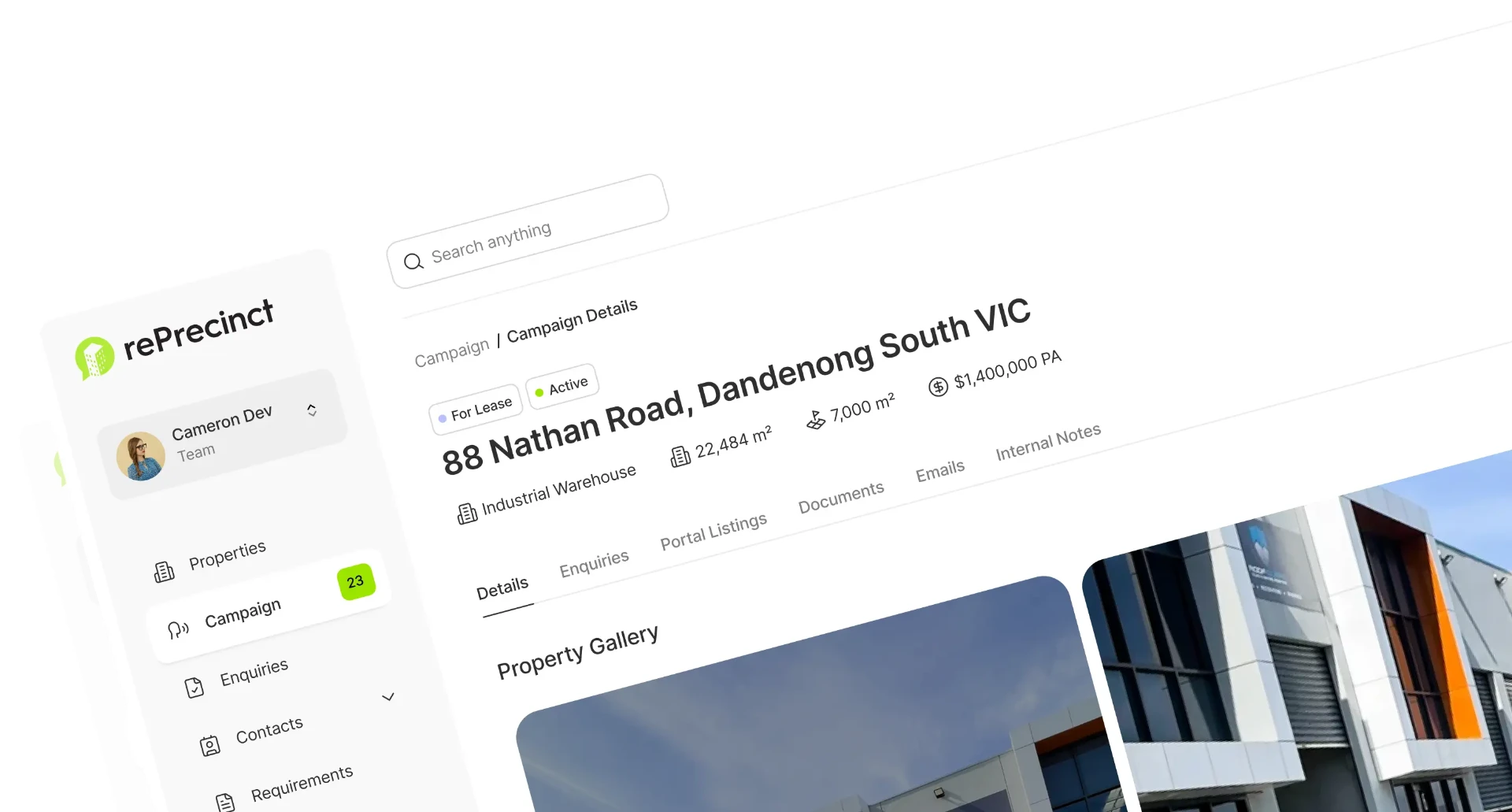
Launch the listing, then complete every follow-up marketing task.
Build automated EDM templates or custom designs, track sending statistics and create targeted contact lists from live CRM data.
Stop building another database every time you send a campaign.
Your CRM already knows who enquired, what they want, and where they are looking. Marketing should start there.
- Export CSV
- Clean records
- Find duplicates
- Build list
- Import
- Send
- Tell agents
- 1 Select listing
- 2 Match audience
- 3 Create campaign
- 4 Send
- 5 Track response
Build the audience from live commercial property data.
Create contact groups around property requirements, locations, property types, building areas and price ranges instead of rebuilding marketing lists in another system.
Launch the listing. Follow up from live response data.
Build commercial property EDMs from CRM data, send them to relevant audiences, then sort delivery, opens, clicks and enquiries into focused follow-up lists.
How rePrecinct works for commercial agencies.
Our platform is built to solve the specific operational challenges that sales and leasing teams face every day.
How we get you there
Launch the Listing
Start with live property data instead of manual uploads and retyping.
Build the Audience
Filter contacts by active requirements, location and property criteria.
Track and Follow Up
Sort sending statistics into targeted lists for immediate agent action.
Create the Report
Automate a professional Digital Progress Report from campaign activity.
Workflow from listing launch to client reporting.
Keep publishing, EDM follow-up, audience response and reporting in one workflow.
Publish current property details from the CRM.
Frequently Asked Questions
Publish commercial listings your market wants to read.
Campaign data comes straight from the property record, so portal listings, the agency website and email campaigns stay consistent.
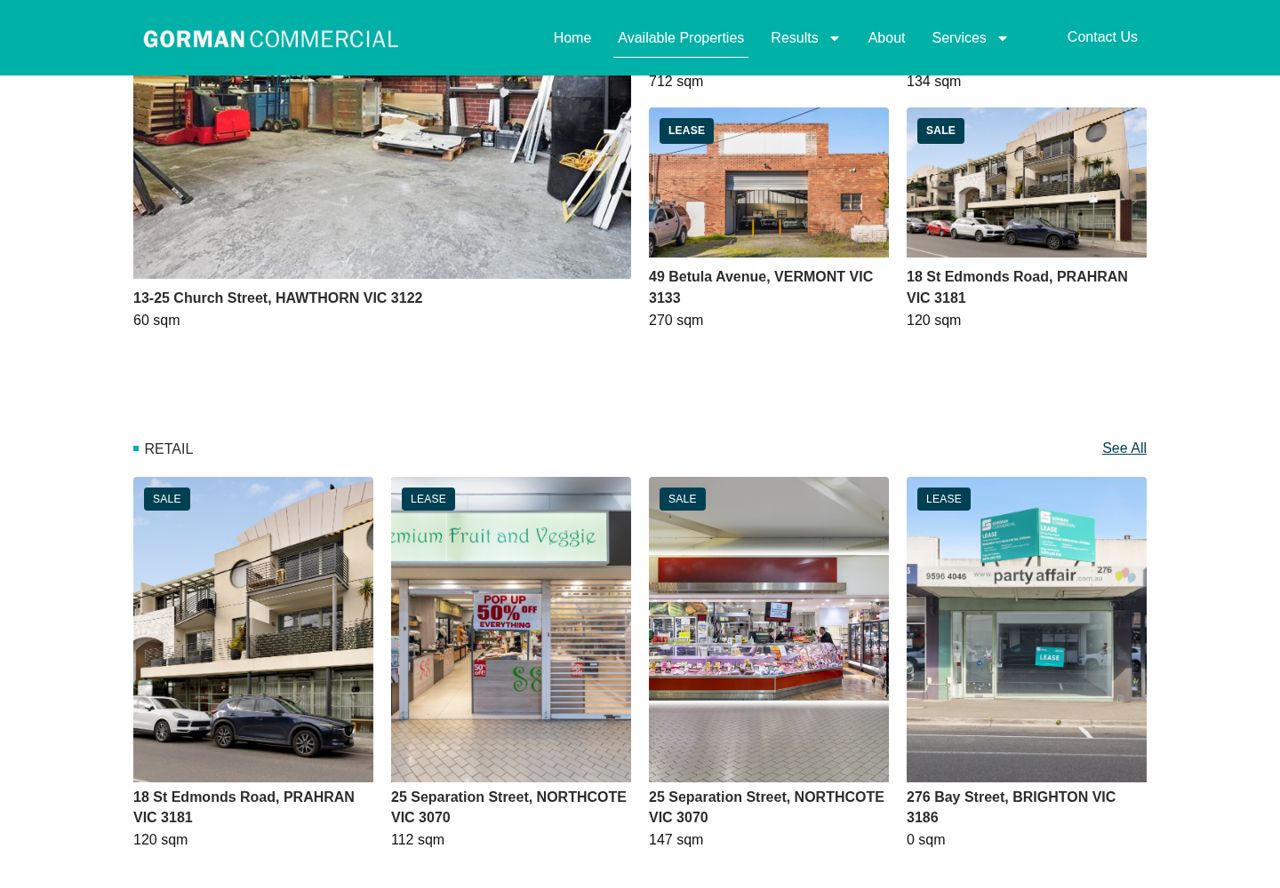
Real agency listings built from rePrecinct property data.
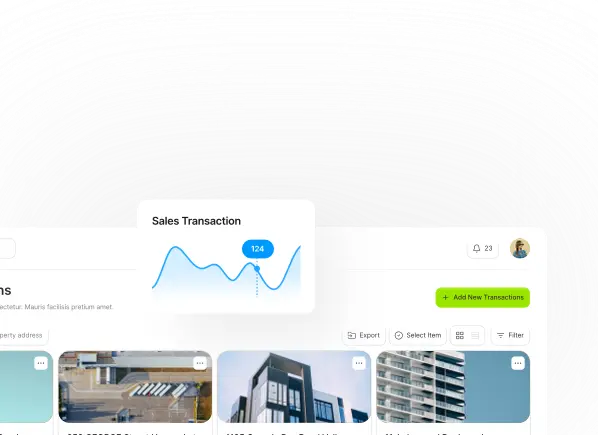
See which channel produced the enquiries, then report back to the owner.
Disclaimer: All product names, logos, brands, and trademarks are property of their respective owners. Use of these names, logos, and brands does not imply endorsement. rePrecinct is an independent software platform. Information is compiled from public documentation and is subject to change. Read our content accuracy and trademark policy or contact us if you identify any inaccuracies.
See the full listing-to-report workflow.
Launch the listing, target follow-up and report campaign activity from one workflow.