01
One arrival point
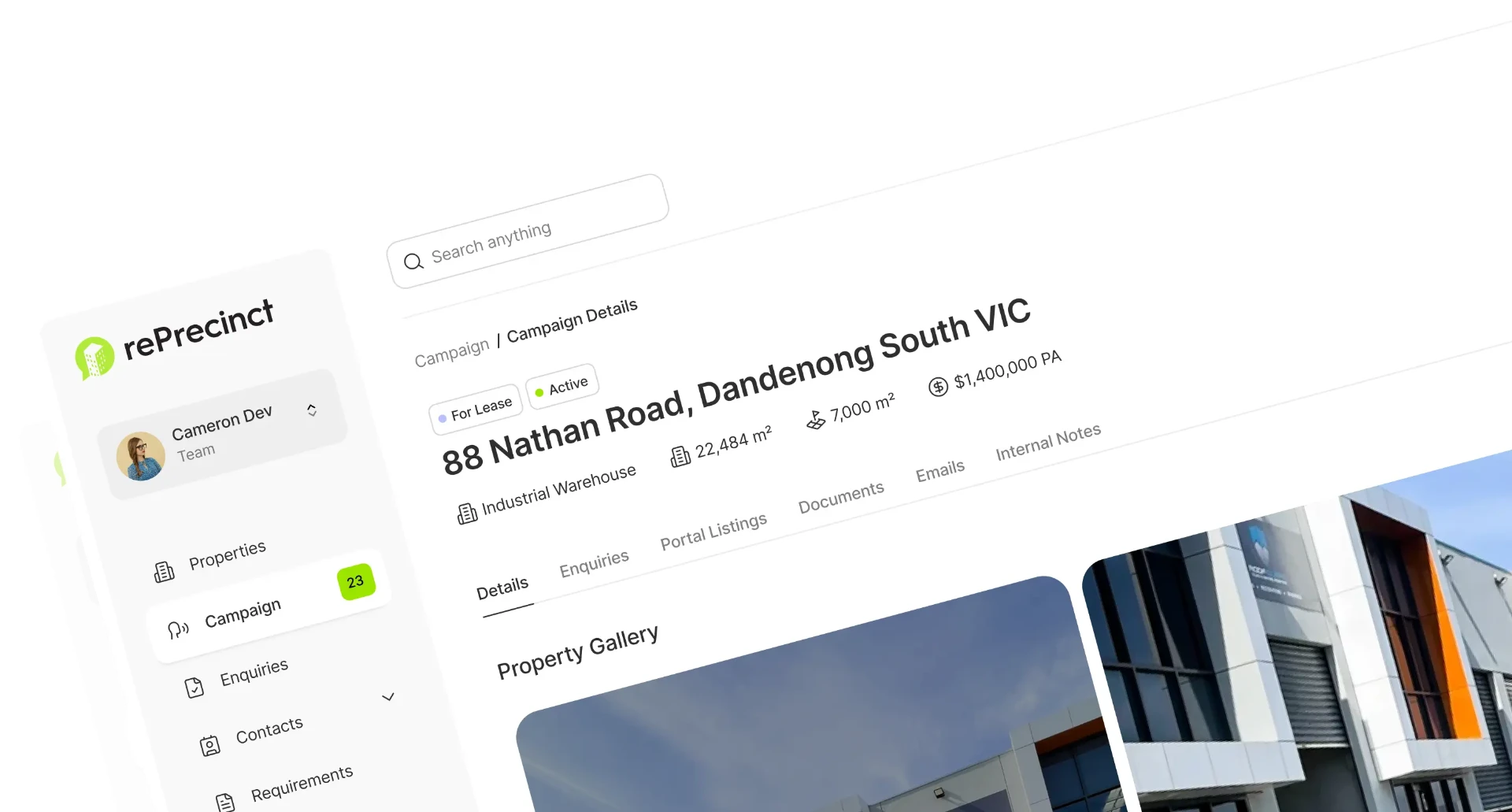
Portal, website, and email enquiries enter one live queue with the campaign source intact.
rePrecinct profiles each incoming enquiry by type, links it to the right contact, and campaign, then stores the requirement for future matching.
Matched automatically
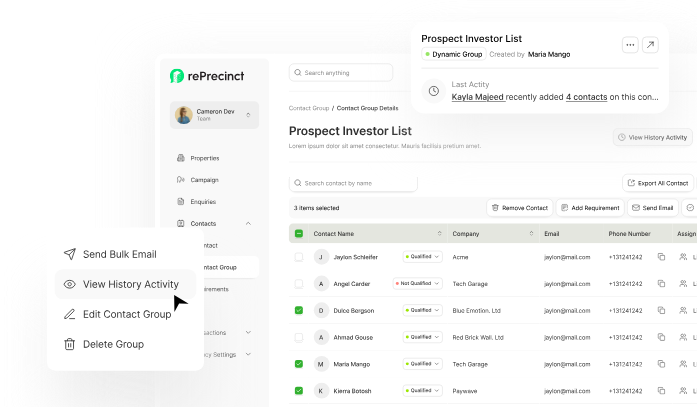
Listing, contact, and agent connected
From enquiry to next action
No disconnected leads and no repeated data entry. Each enquiry moves through one visible commercial workflow.
Portal, website, and email enquiries enter one live queue with the campaign source intact.
rePrecinct connects the person, property, listing, and responsible agent before the first reply.
Agents respond, create a requirement, or book an inspection without rebuilding the record.
Principals and marketers can see response speed, enquiry volume, and the channels producing demand.
Portal enquiries, website forms, and email flow into one queue. Your team works a single list, not five tabs.
rePrecinct links repeat enquirers to their history, and creates the contact when they are new.
Every reply, call, and inspection sits on the enquiry, so principals see response times without chasing agents.
Three steps your team follows from day one. Onboarding and data migration are included.
We link your portals, website forms and shared inboxes during onboarding.
Send each enquiry to the listing agent, a pool, or a team based on property, region or campaign.
Answer from templates, book inspections, and watch response times on the dashboard.
Want help getting live? Our specialists set your CRM up for you, and our engineers build a website that feeds straight from rePrecinct.
Disclaimer: All product names, logos, brands, and trademarks are property of their respective owners. Use of these names, logos, and brands does not imply endorsement. rePrecinct is an independent software platform. Information is compiled from public documentation and is subject to change. Read our content accuracy and trademark policy or contact us if you identify any inaccuracies.
Book a 30 minute walkthrough. We use your property types and enquiry sources, then show the migration path.